Attending Events
This guide covers how to register and attend events as a player. Use the Register tab on your event page to register for the event.
Registering
When registration is open for a tournament, you will see a "Register" button on the event page. This will register you for the event, though you must be logged into Siege Ladder to do so.
Uploading Lists
When registration is open for a tournament, you will be able to upload your army lists.
Middle Earth Strategy Battle Game (MESBG)
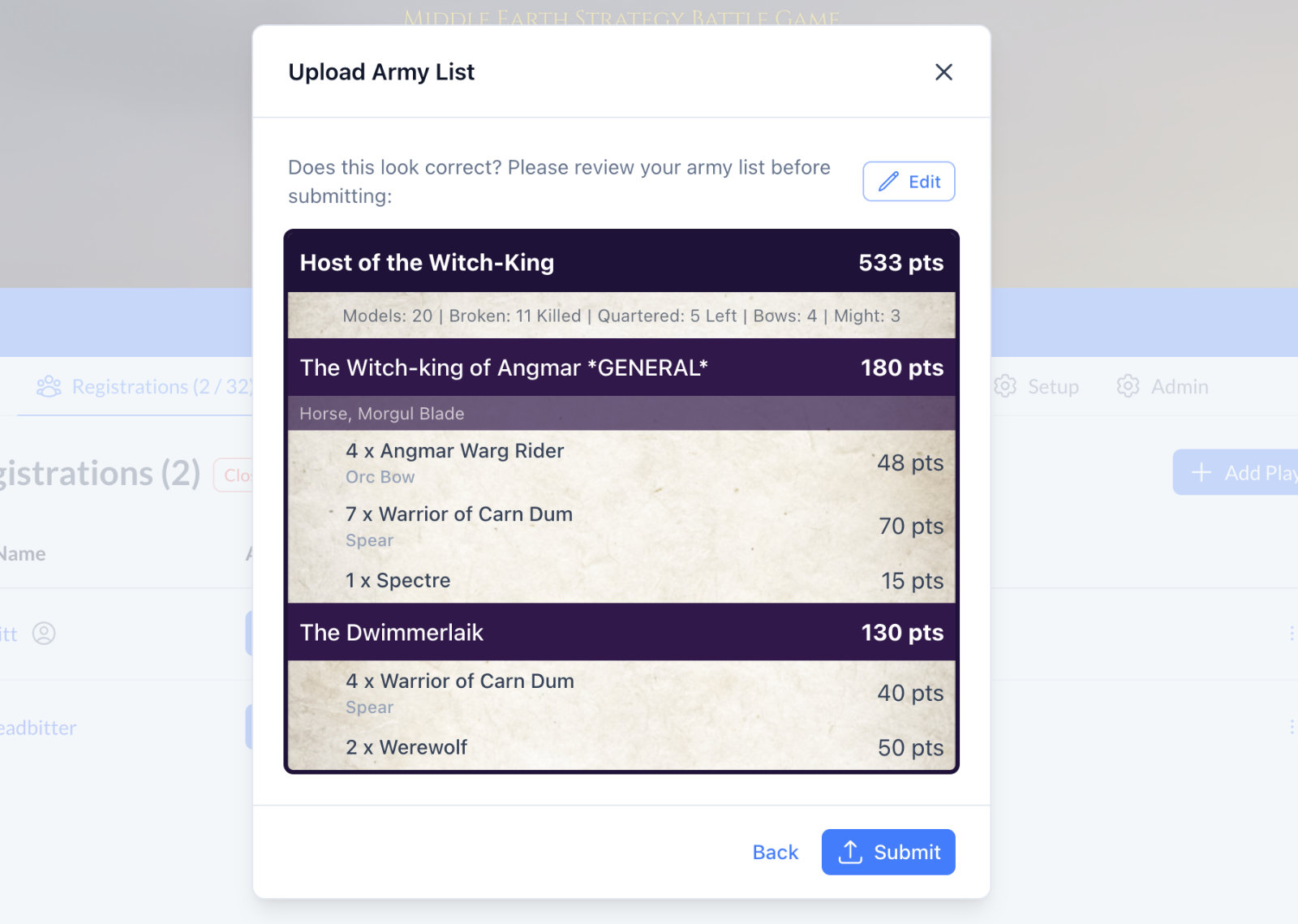 Screenshot of a processed "Host of the Witch King" list when uploaded through "Auto Detect"
For MESBG there are three options for the "List Format":
- Auto Detect - Siege Ladder will automatically parse your army list and do it's best to read its contents.
- Tabletop Admiral - Paste in the "Text Export" content from a Tabletop Admiral list.
- MESBG List Builder - Paste in the "Plain Text" version of the "Roster Summary & Sharing" view.
Once you have submitted and processed your list, Siege ladder will present it back to you for you to review and confirmation.
Multiple Lists
It is possible for Tournament Organisers to enable multi-list submissions, these can be in three variations:
- Single List - Each player can only submit one list. This is the default setting.
- Multiple Lists - Each player can submit multiple lists. This is often used for events where players are allowed to submit both Good and Evil lists for example.
- Lists per Rounds - Each player can submit multiple lists, but restricted to one list per round. Often used with Slow Grow type events.