Writing Content
Siege Ladder provides full hosting for your own blog, battle reports and event packs, with a rich content editor to help you create your content.
Example Content
Articles
- Introducing Siege Ladder
- Middle Earth MathHammer - Is it all just the luck of the dice?
- I took Wraiths on Wings to a Tournament for the first time...
Battle Reports
Event Packs
Block Types
Articles on Siege Ladder are made from "blocks", each block has a type, which then renders the content in a different way. The list of supported block types so far are:
Headers
Headers can be used make your article easier to digest, and help guide the reader through the content.
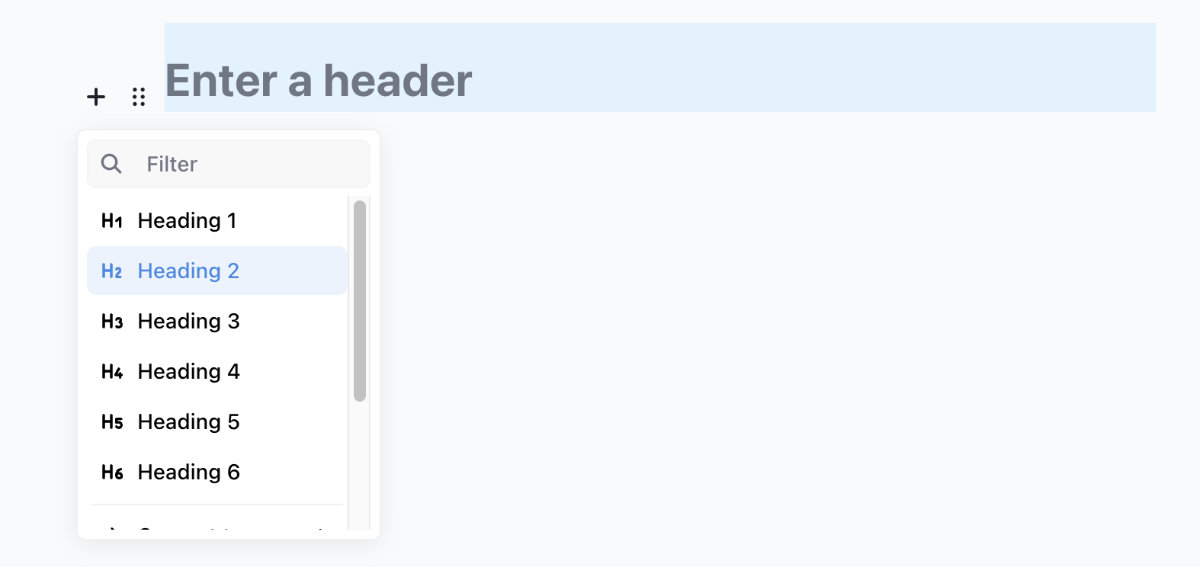 Screenshot showing the config options available when defining a header within an article
Every header is, by default, also a link, you you can click and share the URL for, which will guide readers directly to that section of the article.
Paragraph
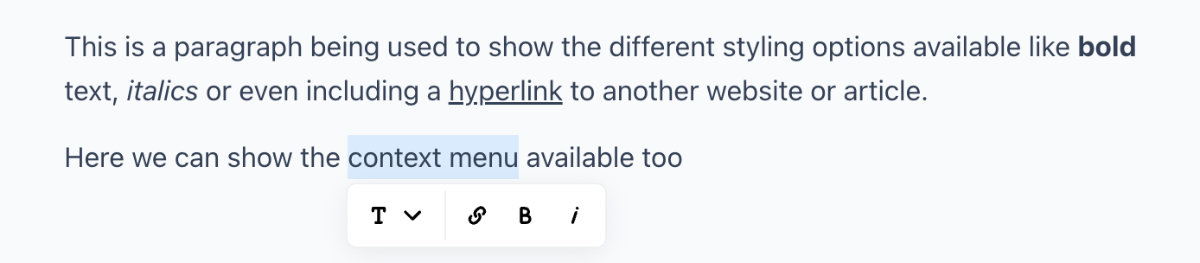 Screenshot showing the config options available when defining a paragraph within an article
The default block type, which supports a full range of formatting options, including bold, italic, and links.
Lists
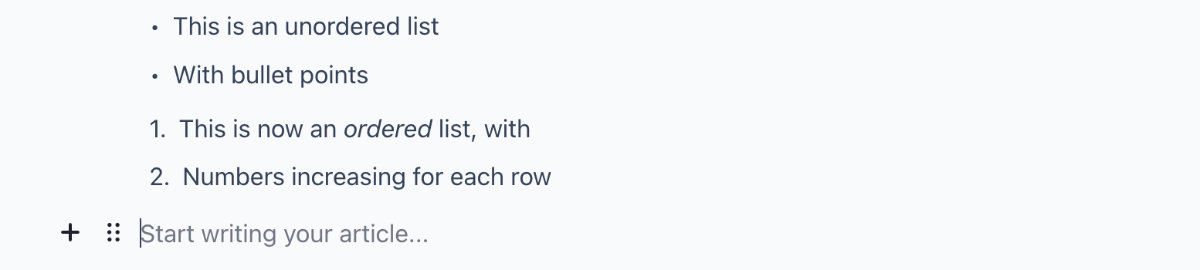 Screenshot showing the config options available when defining a list within an article
You can create ordered or unordered lists using the List block. This is useful for creating step-by-step guides, lists of items, or any other content that needs to be presented in a structured format.
Images
You can render a single image, or a set of images as a gallery, with the different layout options below. You can upload any number of images into a section "block", and then select the layout you want to use.
You should, where possible, provide a caption to your image or collection of images to make the content easier to consume.
Layout - Grid
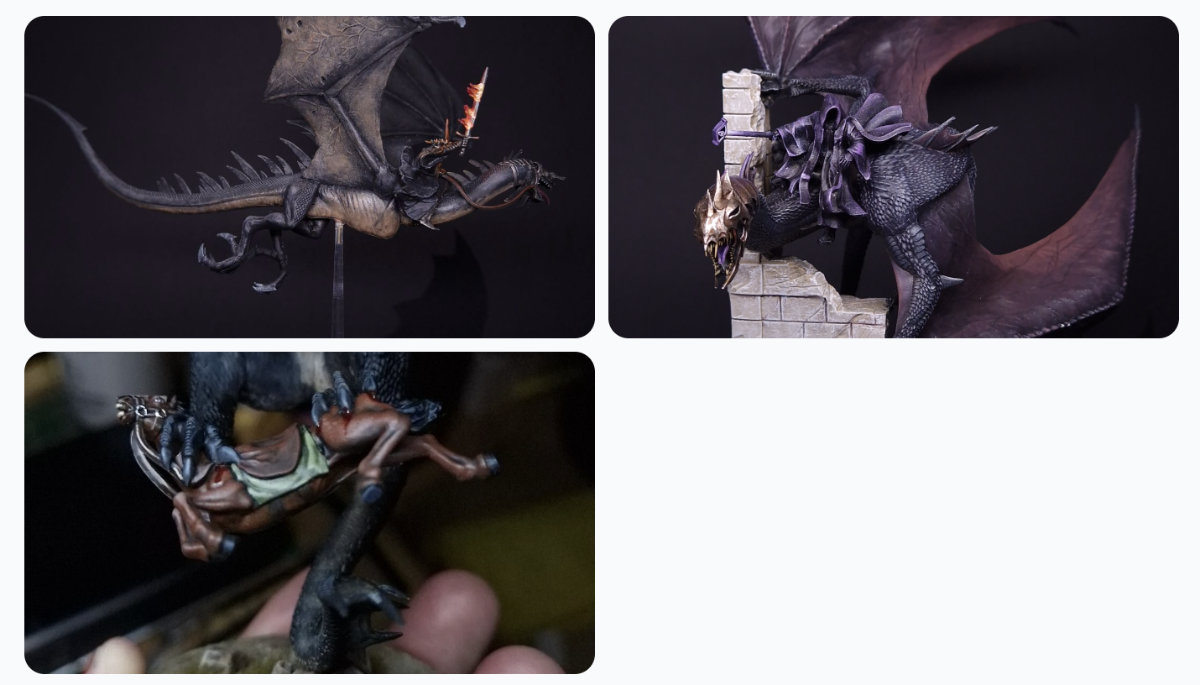 Screenshot of the "Grid" layout option for a set of images within an article
This will render in a grid of two columns and best suits situations when you're wanting to show a set of 2 or 4 images together.
Layout - Carousel
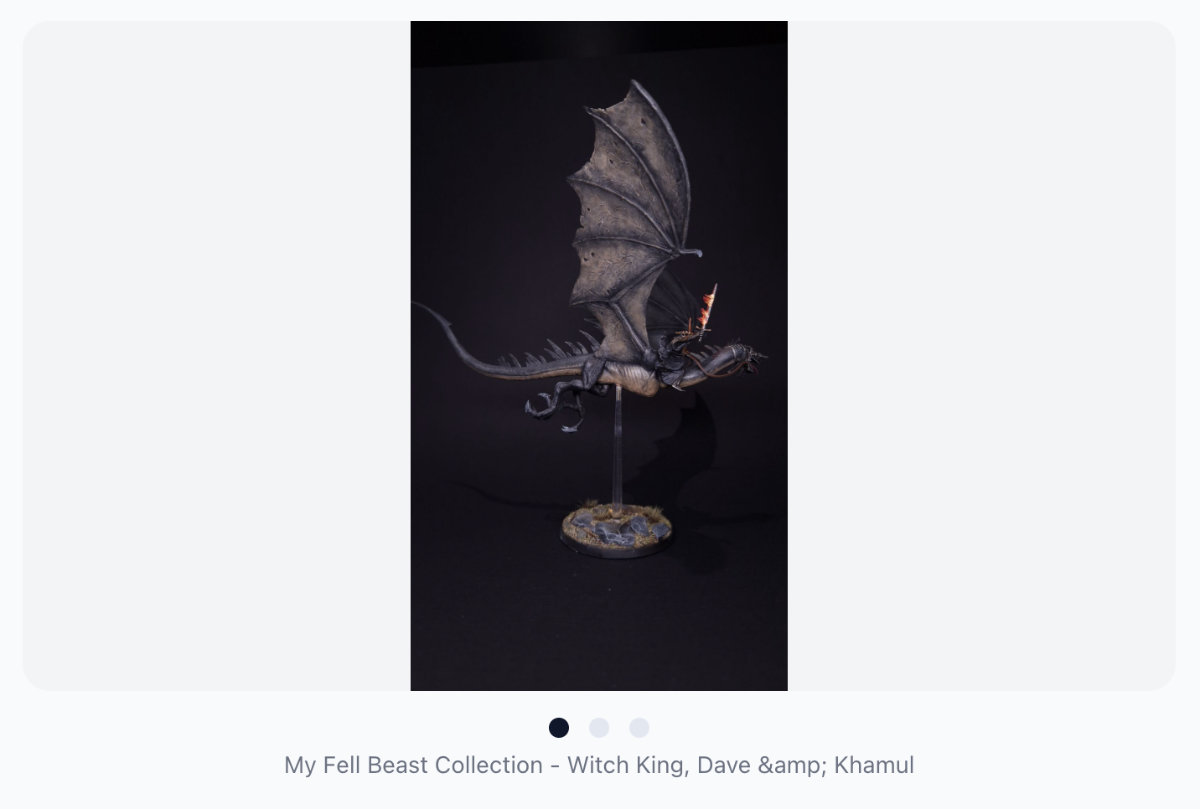 Screenshot of the "Carousel" layout option for a set of images within an article
This will render in a carousel of images, with a navigation dots at the bottom of the gallery. This is best suited for situations when you're wanting to show a set of images that you want to be able to scroll through, and has no limit on the number of images you can provide.
Online Videos
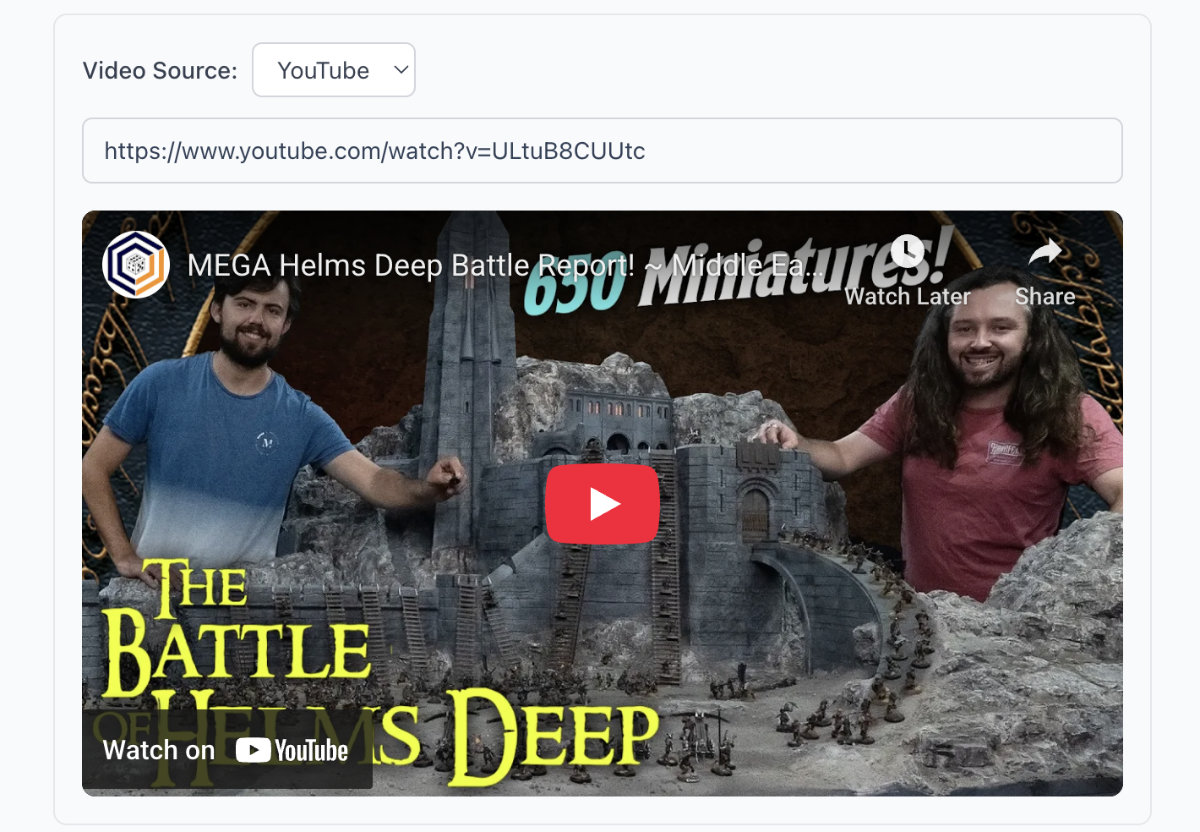 Screenshot of the "Online Video" block type within an article
Link to your online battle reports, tutorials, or other videos from popular online video platforms like YouTube. Simply paste the URL of the video, and it'll embed into your articles for others to watch.
Charts
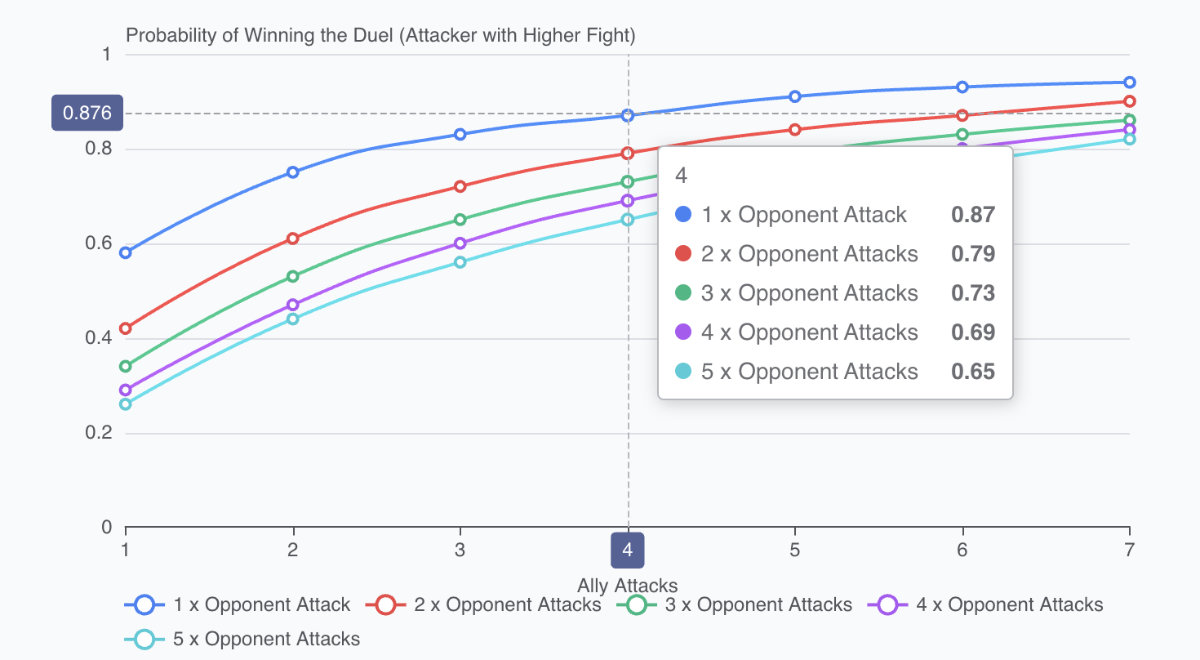 Screenshot of the "Chart" block type within an article
Render interactive charts using your own custom data sets. You can use the Chart block to create a variety of chart types, including line charts, bar charts, pie charts, and more. These charts will automatically scale responsively to the width of the screen on which they are rendered.